
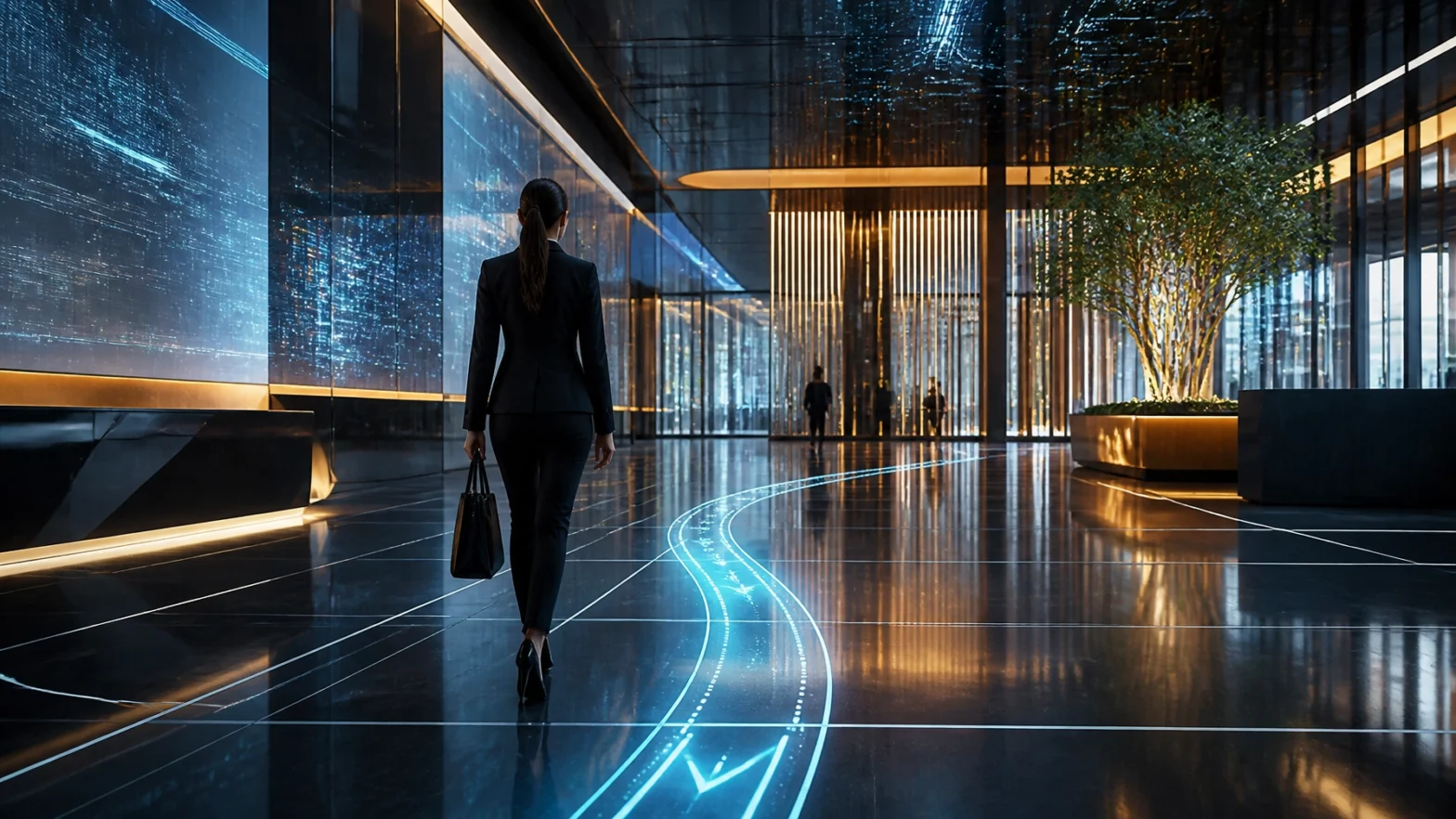
For decades, the "gold standard" of digital interaction was simple: if you wanted something, you touched it. From the first ATMs to the smartphone in your pocket, the "User Interface" (UI) has been a barrier of glass and buttons standing between you and the information you need.
But at Norvision, where we’ve spent over 20 years engineering high-stakes digital experiences, we’re seeing a massive shift. The era of the "Touchscreen-First" world is ending. We are entering the age of Zero-UI.
Zero-UI isn’t about removing technology; it’s about making technology so intuitive that the interface disappears entirely. It’s about environments that sense your presence, screens that respond to your voice, and systems that anticipate your needs before you even realize you have them.
Why do "experts" keep this quiet? Because many are still invested in selling you yesterday’s hardware. Today, we’re pulling back the curtain on the Zero-UI revolution and why your next digital investment needs to be about experience, not just glass.
1. The Death of the "Button": Why Interaction is Going Ambient
The biggest secret in the industry is that people don’t actually want to interact with a screen: they want an answer. In a healthcare facility or a busy corporate campus, every second spent "learning" a menu is a second of friction.
Zero-UI replaces explicit actions (clicking a button) with implicit ones (walking into a room). This is called Ambient Computing. Imagine a visitor walking into your lobby: instead of them hunting for a kiosk, a proximity sensor triggers a welcoming message on a nearby display, tailored to the time of day and the flow of traffic.
Why Ambient Matters Now:
- Hygiene First: Especially in healthcare settings, touchless is no longer a luxury; it’s a safety standard.
- Reduced Cognitive Load: Users don’t have to "solve the puzzle" of your UI. The information just is.
- Accessibility: Zero-UI levels the playing field for users with mobility or visual impairments who may struggle with traditional touchpoints.

2. Secret #1: Context is the New Interface
Most digital signage experts focus on the "what": what content should we show? The Zero-UI revolution focuses on the "where" and "who."
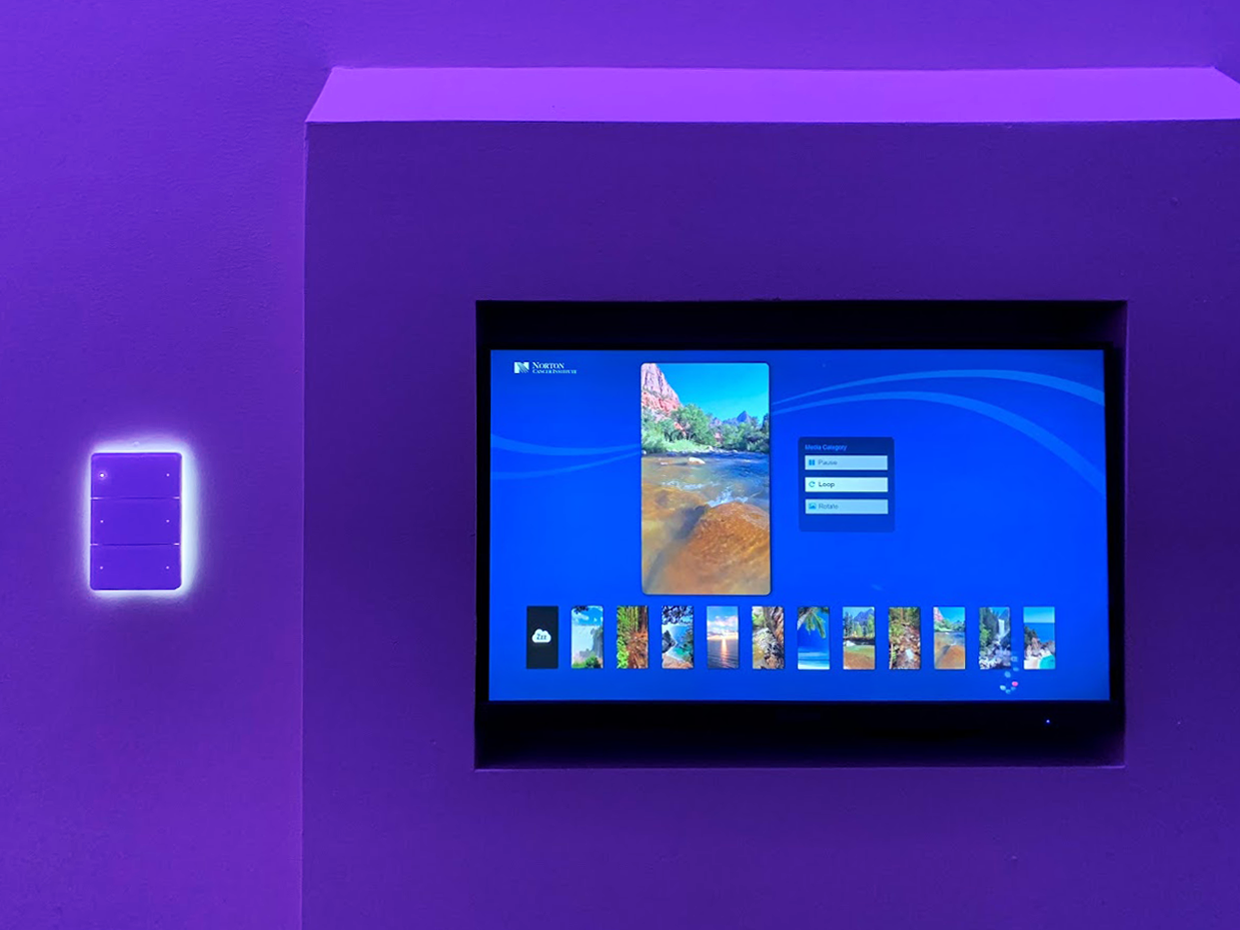
At Norvision, our Digital SkyLites are a prime example of this. In a radiation vault or a patient treatment room, the patient isn't looking to "interact" with a menu. They need a calming, immersive environment that reacts to the situation. By using AI and data analytics assessment, we create systems that adjust lighting and visuals based on the procedure's stage or the patient's preferences: all without a single button being pressed.
Pro-Tip: Anticipatory Design
Don't get caught up in flashy menus. Ask yourself: "What can the system do automatically?"
- Can the digital menu board switch from breakfast to lunch based on the clock?
- Can your wayfinding kiosk detect a mobile device and hand off directions directly to a phone?
Keep it simple. Seeing a theme? The less the user has to do, the more successful the UI.
3. Secret #2: Voice and Gesture are No Longer Gimmicks
Five years ago, controlling a screen with a wave of your hand felt like a sci-fi trope that never quite worked. In 2026, the hardware has finally caught up to the vision.
High-fidelity sensors now allow for "Air-Touch" technology. This allows users to "click" and "scroll" from inches away from the glass. This is a game-changer for Digital Donor Recognition walls in public spaces. A donor can "flip" through a digital yearbook of impact stories without ever leaving a fingerprint on the pristine display.
The Voice Revolution
Natural Language Processing (NLP) has advanced to the point where "conversational signage" is a reality. Instead of tapping through five layers of a directory, a visitor can simply ask, "Where is Dr. Smith’s office?" and the screen instantly highlights the path.
Make sure to: Integrate voice as a secondary layer first. Not everyone wants to talk to a wall in a quiet lobby, but for those with their hands full (like a nurse carrying supplies), it’s a literal lifesaver.
4. Secret #3: The "Brain" Matters More Than the "Beauty"
The most expensive mistake you can make is buying a beautiful screen with a "dumb" backend. The Zero-UI revolution is powered by data.
Experts don't want you to know that the "wow factor" of a display fades in about six months. What keeps a digital solution relevant for 5, 10, or 20 years is its ability to integrate. Our modular architecture at Norvision is designed to connect hardware, software, and creative elements into a single ecosystem.
What a "Smart" Zero-UI System Does:
- Monitors Itself: 24/7/365 monitoring means the system fixes itself before you even know it's down.
- Analyzes Engagement: It uses AI to tell you which content people actually stop to look at.
- Integrates with Existing Tech: It should pull data from your internal databases, calendars, and emergency alert systems automatically.
Don't buy a standalone box. Buy a system that communicates.

5. How to Start Your Zero-UI Transition Today
You don't need to rip out every screen in your facility to join the revolution. Start small and scale based on data.
Step 1: Audit Your Touchpoints
Look at your current interactive displays. Where are people getting stuck? Where are the screens covered in fingerprints? These are your primary candidates for touchless or ambient upgrades.
Step 2: Implement Proximity Logic
The simplest "Zero-UI" win is proximity-based content. When no one is near, the screen shows high-level brand messaging. When someone approaches within 3 feet, the screen switches to high-detail information or a call to action.
Step 3: Prioritize Multimodal Interaction
Give your users choices. A great interactive display should allow for touch, but it should also offer a QR code handoff for mobile and a voice-search option.
The Norvision Advantage: 20+ Years of "Invisible" Tech
We’ve been in the digital signage game since the days of bulky CRT monitors. We’ve seen trends come and go, but the shift toward Zero-UI is different: it’s a shift toward human-centric design.
Our expertise isn't just in mounting a screen to a wall. It’s in the assessment. We look at your industry challenges: whether you're a cancer center trying to reduce patient anxiety or a corporate headquarters trying to boost engagement: and we build the "invisible" infrastructure to solve them.
Don't get caught up in the "more is more" trap. The future of UI is less. Less clicking, less searching, and less friction.
Ready to build an experience worth talking about?
Whether you're looking to revolutionize your donor appreciation or streamline your campus wayfinding, we’re here to help you navigate the Zero-UI revolution.
Contact Norvision today for a consultation:
- Phone: Call us to speak with a solution expert.
- Web: Explore our solutions at norvision.com
- Support: 24/7/365 monitoring and professional installation across all 50 states.
Keep it simple. The future is waiting.