
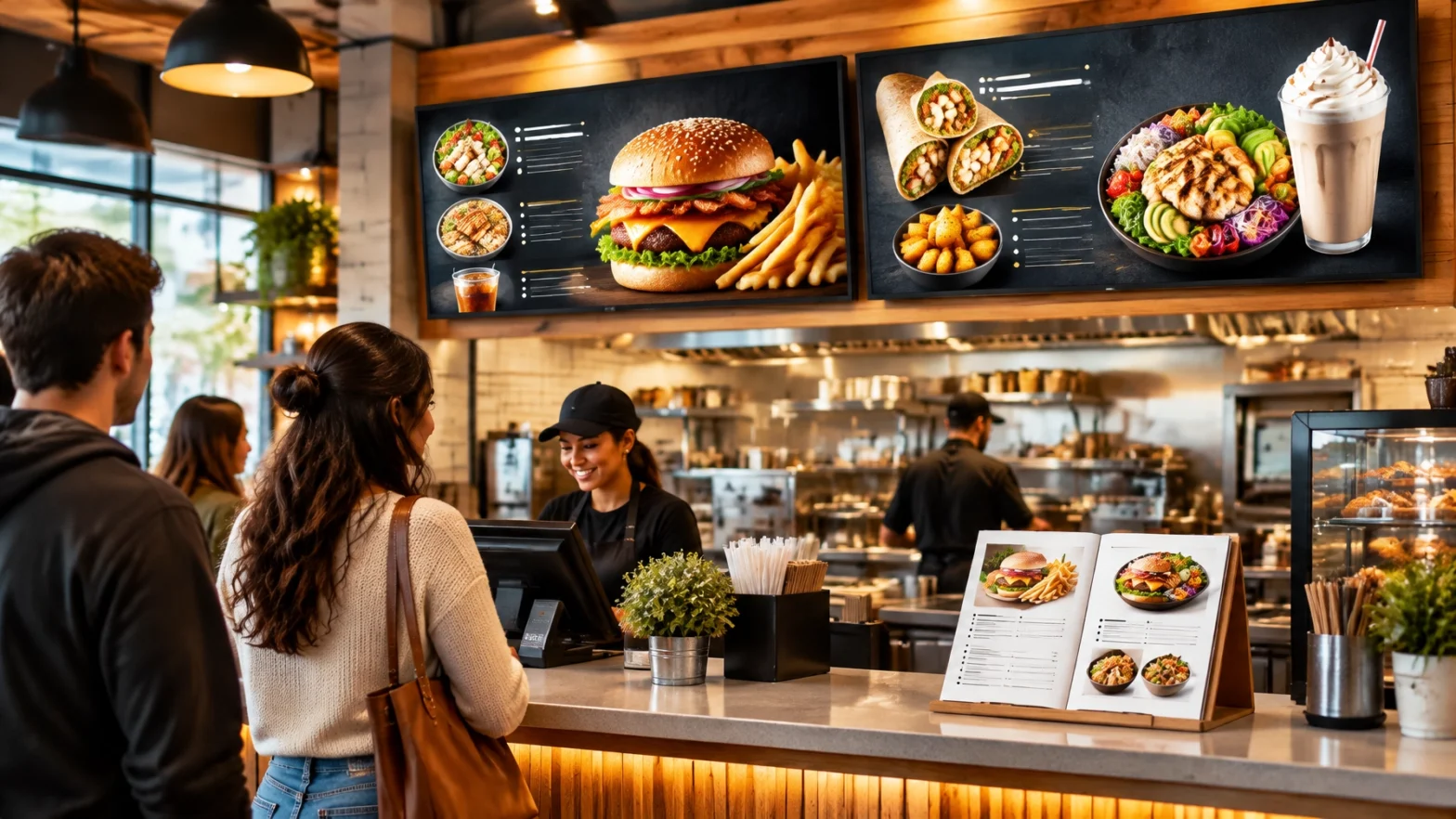
Digital menu boards usually pay for themselves faster when your restaurant or cafeteria regularly changes prices, specials, menus, or item availability. But the answer depends on how often you update your menus, and what those updates cost in printing, staff time, missed sales, and food waste.
Norvision has more than 20 years of experience designing digital signage for complex environments, including restaurants and healthcare facilities. For food service teams, the payback question is practical: will the ongoing savings and operating benefits outweigh the cost of displays, software, installation, and support?
Keep it simple. Compare the costs and benefits you can actually track at your location.
Start With the Costs of Printed Menus
Printed menus can be a sensible choice when your offerings and prices rarely change. They have no display hardware or content-management system to maintain. But a menu is not a one-time expense if you revise it often.
Include these costs in your comparison:
- Reprinting: Account for menus, counter signs, window graphics, and menu-board panels, not just the main menu.
- Staff time: Count the time spent editing files, coordinating with a printer, replacing materials, and checking that old versions are removed.
- Price-change delays: If printing takes time, you may wait to introduce a price adjustment or have inconsistent pricing across locations.
- Specials and seasonal changes: A limited-time offer can require fresh printed materials, even if it runs for only a short period.
- Waste from outdated menus: Misprints, damaged copies, and menus made obsolete by a change still have to be replaced.
A printed menu may cost little to update if changes are rare and easy to make in-house. The key is to measure your real process, not assume that every print update is expensive.
What Changes With Digital Menu Boards?
A digital menu board replaces a printed display with a screen and a content-management system. Depending on the setup, authorized staff can change content remotely and distribute an update to one screen, a group of screens, or multiple locations.
That flexibility can reduce the friction of everyday updates:
- Change a price without ordering a new printed panel.
- Add a daily special or remove an item that is unavailable.
- Schedule breakfast, lunch, and dinner content in advance.
- Keep pricing and promotions consistent across locations.
- Use food photography or motion to draw attention to selected items.
Digital does not mean cost-free. Your comparison should include the displays, installation, content software, network requirements, maintenance, and the time required to manage the system. A well-designed solution should also fit your service environment, viewing distance, menu complexity, and operating schedule.

Compare the Payback Drivers
There is no single payback period that applies to every restaurant. Use the following categories to compare your current printed-menu process with a proposed digital one.
1. Reprinting and replacement
Record how often each menu component changes, how many copies or panels you replace, and the full cost of each update. Include design and delivery charges if you pay them. Digital boards can reduce print orders for the content moved onto screens, but you may still choose printed menus for table service or accessibility.
2. Labor hours
Track the time staff spend preparing, ordering, replacing, and verifying menu updates. Include manager time when it happens outside normal service duties. With digital boards, staff still need to approve content and make updates; the potential saving comes from reducing repetitive physical replacement and coordination.
3. Dayparting
If breakfast, lunch, dinner, or shift menus change on a schedule, printed boards may require staff to swap panels or maintain multiple versions. Digital displays can schedule those changes in advance.
For a cafeteria serving hospital staff or a corporate campus, this can help present the right menu for each service window. For quick-service operators, it can help keep drive-through and front-counter displays aligned. Make sure the schedule reflects actual service times, and provide a clear process for correcting an unexpected change.

4. Price changes and accuracy
When ingredient costs, portions, or prices change, a digital system can make updates faster across connected displays. That can reduce the time your team spends managing separate versions. It can also help avoid a situation where one location or ordering point shows an outdated price.
Set permissions and an approval process. Fast updates are useful only when the information is correct.
5. Upselling with imagery and motion
A digital menu gives you room to feature a special, meal combination, or high-priority item with a large image or motion. That can make an offer easier to notice than a line of text on a crowded menu.
Treat any sales lift as something to measure, not a guaranteed return. Compare promoted items with a baseline, and consider time of day, availability, and other promotions. Use relevant, appetizing imagery and keep the rest of the menu easy to scan.
6. Food availability and waste
When a popular item sells out or a daily special changes, a printed menu can continue advertising it until someone replaces the sign. A digital menu board can make it quicker to remove an unavailable item or promote a substitute.
This may help avoid customer frustration and reduce the chance of selling an item your kitchen cannot prepare. It may also help teams feature appropriate specials when ingredients need to be used. Digital signage does not, by itself, prevent food waste: inventory planning, portion control, and kitchen processes still matter.
Keep Compliance Updates Accurate
For certain chain restaurants and similar retail food establishments, the FDA’s menu-labeling rule requires calorie information for standard menu items. Coverage depends on factors such as the number of locations, shared name, and substantially similar menu items. Review the FDA’s menu labeling requirements to understand the rule and its details.
Allergen disclosure is a separate issue. The FDA menu-labeling rule does not itself require allergen statements on restaurant menus, and requirements can depend on the food and applicable state or local rules. Check the relevant regulations and your organization’s food-safety procedures. The FDA provides information about food allergies and allergen labeling.
Digital boards can make it easier to distribute an approved change across screens, but they do not guarantee compliance. Keep a reliable source of approved ingredient, allergen, and nutrition data. Assign responsibility for review, and verify that the final content appears correctly on every relevant display.
Use a Simple Payback Calculation
You do not need to guess at a return or rely on a vendor’s general savings estimate. Build a comparison from your own records.
- Estimate annual print costs. Add printing, design, delivery, and replacement expenses for the menu content you expect to move to screens.
- Estimate annual update labor. Multiply the hours your staff currently spend on menu changes by your internal labor cost.
- Identify measurable operating benefits. Track any price-change delay, unavailable-item promotion, or menu-related waste you can document. Include sales lift only if you can measure it.
- Estimate digital costs. Include displays, installation, software, support, maintenance, and the staff time needed to manage content.
- Compare the net difference. Subtract the expected annual digital operating costs from the print and labor costs avoided, plus benefits you can reasonably substantiate.
- Estimate payback time. Compare the initial digital investment with that annual net benefit. If the benefit is small or uncertain, use a conservative estimate, or leave it out.
If you cannot identify a clear annual net benefit, gather more data before deciding. A short audit of menu changes, printing invoices, and staff time can make the decision much clearer.
Which Option Pays for Itself Faster?
Digital menu boards are more likely to pay back sooner when you update prices and specials frequently, operate multiple locations, change content by daypart, or need to react quickly to item availability. Printed menus may remain the better fit for a stable menu with few updates, especially when physical menus are important to the dining experience.
A hybrid approach can work well: use digital boards for high-visibility counter menus, daypart transitions, and changing specials, while keeping printed menus where they serve a clear purpose. For hospital and corporate cafeterias, consider how displays will support different service periods and changing offerings.
Norvision’s digital menu boards are designed to support flexible updates, centralized content management, and engaging visuals. See our restaurant solutions to learn how digital signage can fit your food service environment.
Start by tracking your current update frequency, printing costs, and staff hours. Then compare those figures with the full cost of a digital system. If you’d like help evaluating the right setup for your operation, call Norvision at 480-447-4260 or request a conversation through our digital signage solutions page.