You can’t expect nurses between patient rounds, warehouse teams on the floor, or maintenance crews moving between buildings to check email every time there’s an update. With more than 20 years of experience designing digital signage, Norvision understands that effective internal communication starts by reaching people where they work.
Digital signage internal communication puts timely, visible messages in the places deskless employees already pass through: entrances, breakrooms, staff corridors, nursing stations, and shift-change areas. Screens won’t replace team huddles, email, or mobile tools. They give you another practical way to reach people who may not have a desk, or time to search for information.
The need is real. In a 2026 workplace communication survey by Korbyt and Reworked, 44% of surveyed employees said they feel overwhelmed and tune out. The report also identifies repetitive messages across channels as a reason communications lose their impact. Keep it simple: make updates useful, easy to scan, and relevant to the location.
1. Put shift-change screens where teams actually gather
Shift change is a natural moment to share essential updates. Give incoming staff a quick, consistent view of what they need to know before work begins.
Use screens near staff entrances, nursing stations, locker areas, or production-floor briefing points to display:
- Schedule changes and coverage needs
- Safety reminders and policy updates
- Department notices and daily priorities
- Upcoming training or compliance deadlines
- A short message from a department lead
Keep each slide focused on one idea. Use large type, clear language, and a strong visual hierarchy so employees can absorb the message at a glance. For urgent or complex issues, pair the screen with a supervisor briefing. A display reinforces the conversation; it shouldn’t be the only place critical instructions appear.
2. Turn breakrooms into useful communication hubs
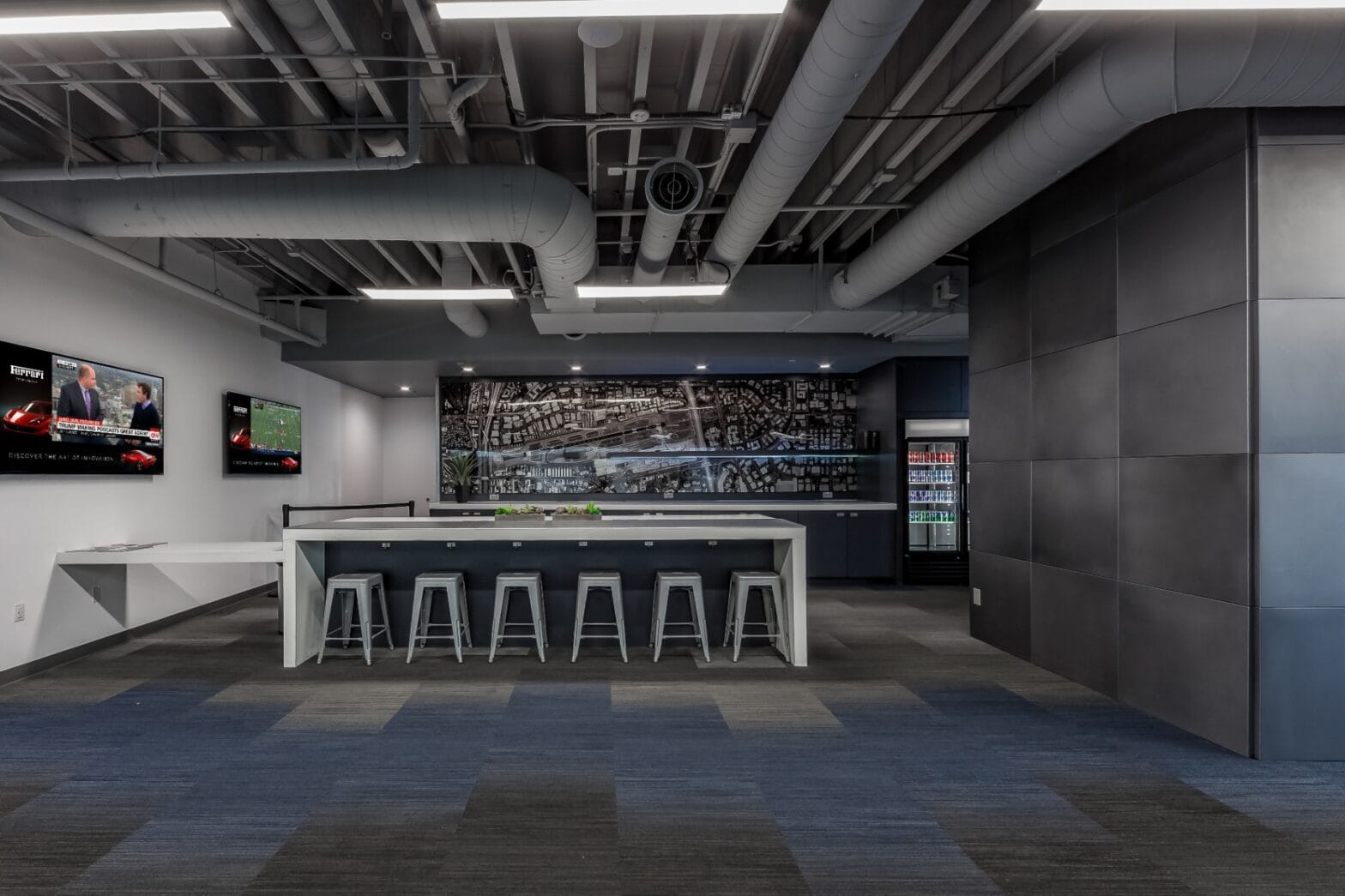
Breakrooms are among the few places many frontline employees can pause. A screen there can make that time more useful by sharing information employees might otherwise miss.
Rotate a balanced mix of:
- Benefits and HR reminders
- Recognition and work anniversaries
- Upcoming events and important dates
- Wellness resources and safety tips
- Cafeteria or campus updates
A screen should inform, not overwhelm. Limit each slide to one primary message and make sure it stays on screen long enough to read. Norvision’s corporate solutions include employee recognition and real-time business metrics. Examples of content that can support a more connected workplace.

3. Make multilingual messaging part of the plan
If your teams use multiple languages, translating only occasional announcements can leave employees out of the loop. Plan for language access when you build your content process.
Try these steps:
- Identify the languages employees use at each location.
- Translate high-priority information, including safety and operational updates.
- Use plain language and familiar terms, not jargon.
- Add icons, diagrams, or short videos to support written content.
- Ask employees or supervisors to review translations for clarity.
You don’t need to cram every language onto one slide. A scheduled rotation can give each version time to be seen. For information that requires immediate action or detailed explanation, provide a direct follow-up in an accessible format as well.
4. Share real-time operational updates
A message becomes more useful when it helps employees make a decision or do their job. Connect screens to approved information sources where appropriate, so updates can reflect current conditions rather than yesterday’s bulletin.
Depending on your environment, that might include:
- A temporary entrance or route closure
- A service interruption or equipment notice
- A change in production priorities
- A campus event or room update
- A weather or emergency notification
Norvision’s healthcare digital signage solutions include real-time updates for healthcare settings, while its digital wayfinding systems can help communicate route changes and temporary closures. For any operational display, set clear rules about who can publish updates, which sources are approved, and how quickly outdated content must be removed.
5. Use screens to reinforce, not duplicate, other channels
Sending the same message by email, app notification, poster, and screen can create noise instead of clarity. Decide which channel is best for the message, then use screens to reinforce key information where it matters.
For example:
- Put a short benefits reminder on a breakroom screen; link to the full details in your HR portal.
- Show the current safety focus near a shift huddle; have the team lead explain the procedure.
- Display a QR code for a survey or resource, while keeping the essential instruction visible on-screen.
The goal is coordinated communication, not repetition for its own sake. If an employee has to read a long paragraph while walking past a screen, the format isn’t doing its job.
Research also suggests that screens can help messages stick. ScreenCloud’s deskless workforce guide reports recall of up to 83% for digital signage content. Separately, a University of Minnesota study of organizational bulk email found that employees retained about 22% of the information. These figures come from different studies, not a direct head-to-head trial, so treat them as directional. The practical takeaway: concise visual messages can make an important update easier to notice and remember than another email alone.

6. Recognize the people doing the work
Recognition doesn’t have to wait for an annual awards event. Digital signage can highlight everyday contributions and help employees see that their work is noticed.
Consider celebrating:
- Safety milestones and team achievements
- Work anniversaries and certifications
- Helpful ideas submitted by employees
- Successful project or service improvements
- Team members who supported colleagues
Set a consistent process for nominations and approvals, and get permission before displaying someone’s name or photo. Keep recognition authentic and specific: “Thanks to the facilities team for completing the overnight repair” tells a more meaningful story than a generic congratulations.
7. Build a feedback loop and measure what works
Communication should go both ways. Give employees a simple route to ask questions or share feedback, such as a QR code linking to a short survey, a team contact, or an HR resource. Make sure someone owns the responses and closes the loop: otherwise, requests for input can reduce trust.
To evaluate your digital signage internal communication, track practical indicators:
- Are screens installed in the locations employees actually use?
- Are priority messages appearing on time and being removed when no longer relevant?
- Can employees explain what action a key update asks them to take?
- Do certain locations, shifts, or languages need better coverage?
- Are supervisors hearing fewer repeated questions about routine updates?
Use feedback and observations to adjust placement, timing, and content. Don’t get caught up in adding more slides. Improve the messages employees need most.
Reach employees where they work
The strongest internal communication plans meet people in their day, not only in their inbox. Use shift-change screens for essential updates, breakroom displays for useful information and recognition, multilingual content for access, and real-time messaging for changing conditions. Keep it focused. Keep it relevant. Seeing a theme?
Norvision designs modular digital signage systems for complex environments, with professional installation across all 50 states and 24/7/365 monitoring support. To discuss a solution for your hospital, manufacturing site, or campus, contact Norvision or call 480-447-4260.