
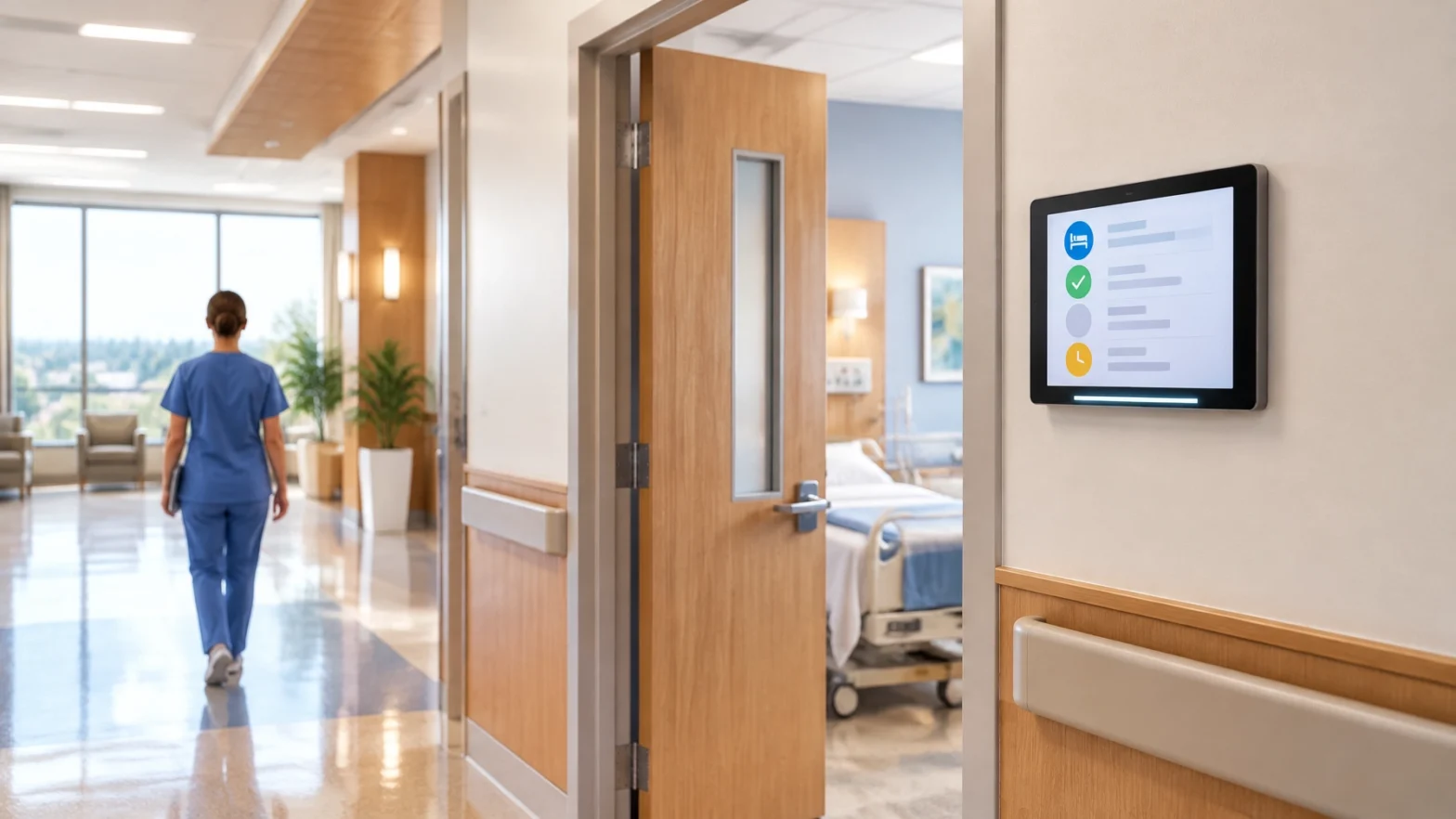
With more than 20 years of digital signage experience, Norvision understands that hospital signs have to do more than look polished: they need to support fast-changing workflows, clear communication, and patient privacy. So, should your hospital use electronic door signs or printed nameplates?
The practical answer depends on what the sign needs to communicate. Printed plates can be a simple, low-cost choice for stable information. Digital signs are designed for information that changes often (such as room availability, staff assignments, or approved safety indicators) and can update through connected scheduling or clinical systems.
The right solution starts with the right use case. Keep it simple: match the sign to the information, the workflow, and the risk of getting it wrong.

Printed nameplates work well for information that rarely changes
A printed nameplate is straightforward: prepare the label, place it in a holder or on a sign, and replace it when it becomes outdated. For fixed room numbers, department names, or permanent office labels, that simplicity is an advantage.
But hospital environments are rarely static. Staff rotate, rooms change use, and schedules shift. When information changes frequently, someone has to notice the change, create a new label, and put it in the right place.
That process creates ongoing work, and room for error. A nameplate may stay in place after a staff member moves to another unit or a room assignment changes. Even if the label itself is inexpensive, staff time spent printing, distributing, replacing, and checking it adds up.
There’s an important distinction: replacing a printed nameplate does not usually require repainting. Repainting is more likely to come into play when a facility changes painted room identifiers, wall graphics, or other fixed markings. Include those costs in a renovation or reconfiguration budget, but compare them separately from routine label replacement.
Digital signs can reduce manual relabeling
Electronic door signs use a display instead of a printed insert. Depending on the system and its connections, an authorized update can change room status, approved staff information, or scheduling details without someone printing and placing a new label.
For hospitals, the most useful feature is not the screen itself. It’s the potential to connect information to the systems where it is already managed. For example:
- Room scheduling data may indicate whether a space is available or assigned.
- Staff scheduling or assignment systems may supply the current care-team information.
- An EHR integration may provide selected information, such as approved precautions or room status.
- Authorized staff may update information through a central content-management platform.
Integration is not automatic. Confirm what data sources the system supports, how often updates occur, and what happens if the connection fails. A display is only as accurate as its source data and the rules that control what appears.

Compare the practical trade-offs
| Consideration | Printed nameplates | Electronic door signs |
|---|---|---|
| Upfront cost | Usually lower for simple, fixed labels | Higher because displays, installation, software, and integration may be required |
| Routine updates | Require replacement by staff | Can be changed centrally if the system is set up for remote updates |
| Accuracy during staff rotation | Depends on someone noticing and replacing the label | Can reflect current assignments when a reliable, authorized data feed is configured |
| Room reconfiguration | May involve new labels; painted markings may require separate work | Content can be changed without replacing the display, subject to system setup |
| Privacy | Can expose information printed on the label | Can limit what appears, but adds cybersecurity and configuration responsibilities |
| Cleaning | Physical label or holder requires cleaning under facility procedures | Device surface also requires cleaning; changing displayed information does not eliminate cleaning |
| Downtime | Remains readable without a network or power connection | Needs a defined approach for outages, stale data, and device failure |
Don’t compare only the price of a printed label with the price of a screen. Compare the full lifecycle: staff time, software, network and security review, installation, maintenance, repairs, and the cost of keeping information current.
Treat HIPAA as a design and policy issue
A digital sign is not automatically HIPAA-compliant, or noncompliant. What matters is what information it displays, who can see it, how the data gets there, and how the hospital protects it. The HHS HIPAA Privacy Rule sets requirements for protecting protected health information (PHI); your privacy, compliance, and security teams should review the proposed use.
Use a privacy-first approach:
- Show only what is needed. Consider whether an icon or general status can communicate a precaution without displaying a patient’s name or diagnosis.
- Set display rules by location. A public corridor may call for different information than a staff-only area.
- Control access and transmission. Ask about permissions, encryption, audit logging, network segmentation, and vendor security responsibilities.
- Plan for errors and outages. Define how staff can report a wrong display and what the sign should show if data is unavailable or stale.
- Involve the right reviewers. Include privacy, IT security, clinical leadership, infection prevention, and frontline staff before rollout.
A 2021 article in JMIR Formative Research on electronic paper displays in hospital operations likewise identifies privacy, security, connectivity, and EHR integration as key implementation considerations. It recommends careful planning and real-world evaluation, not simply installing screens and assuming the workflow will improve.
Accuracy depends on the source and the workflow
Digital signs can help when staff names or assignments change frequently, but only if the system receives accurate, timely updates. A scheduling system may manage shifts, while the EHR may hold clinical information; neither necessarily contains every detail the sign needs.
Before choosing a platform, ask:
- Which system is the source of truth for room assignments and staff names?
- Does the sign update automatically, or do staff still need to approve changes?
- How quickly do updates appear after a transfer, discharge, or reassignment?
- What happens when a room is temporarily repurposed?
- Who owns the process for correcting inaccurate data?
Keep it simple. If staff must routinely double-check and manually correct every sign, the technology may have moved the work rather than removed it. Pilot a small area, track update errors and staff time, and adjust the process before scaling.

Infection control still requires a cleaning plan
Digital displays can reduce the need to handle and replace paper labels. That may simplify one part of the workflow, but it does not mean the device can be skipped during cleaning. Electronic signs have physical surfaces, and hospitals should follow manufacturer instructions and facility infection-prevention policies for cleaning them.
Before installation, ask infection prevention and environmental services to review the device materials, mounting, cleaning products, and cleaning frequency. Avoid designs that make surfaces difficult to reach or that create unnecessary seams and crevices.
For information such as isolation or PPE precautions, agree on what the sign should communicate and how quickly updates should propagate. A technology change is not a substitute for clinical protocols, staff training, or established verification processes.
Choose based on how often information changes
Printed nameplates are often a sensible choice for fixed identifiers and locations where updates are infrequent. Digital signs are worth evaluating when manual relabeling is a recurring burden, information changes regularly, or timely updates support an important operational workflow.
A practical selection process:
- List the information each sign needs to display.
- Separate permanent from changing information.
- Map each changing data point to its source system and owner.
- Review privacy, cybersecurity, and infection-control requirements.
- Pilot in one unit and measure update accuracy, staff workload, and maintenance needs.
- Keep a fallback process for outages and incorrect information.
Norvision’s healthcare digital signage solutions and broader digital signage solutions are built around the communication needs of complex environments. The best option for your hospital should fit your workflows, not add another system for staff to manage.
If you’re evaluating digital signs for a hospital or medical center, start with the areas where room information changes most often. Talk with your facility, IT, nursing operations, privacy, and infection-prevention teams, then contact Norvision at 480-447-4260 to discuss your signage requirements.