If you’re a facility manager or an IT admin, you know the "manual update" headache all too well. You spend hours designing slides, exporting files, and manually uploading them to a CMS just to change a simple "Welcome" message or a weather update. By the time you hit "Publish," the information is practically stale.
At Norvision, we’ve spent over 20 years building digital signage solutions that take the "work" out of workplace communication. We believe the best signage isn't the one you spend all day managing: it’s the one that manages itself.
Automation isn't just a luxury; it’s a necessity for maintaining effective digital signage internal communication. When you automate your content, you eliminate human error, ensure consistency, and: most importantly: get your time back.
Here are 7 "set-it-and-forget-it" automation hacks you can implement right now to stop wasting time on manual updates.
1. Sync Your Screens to Your Calendar Systems
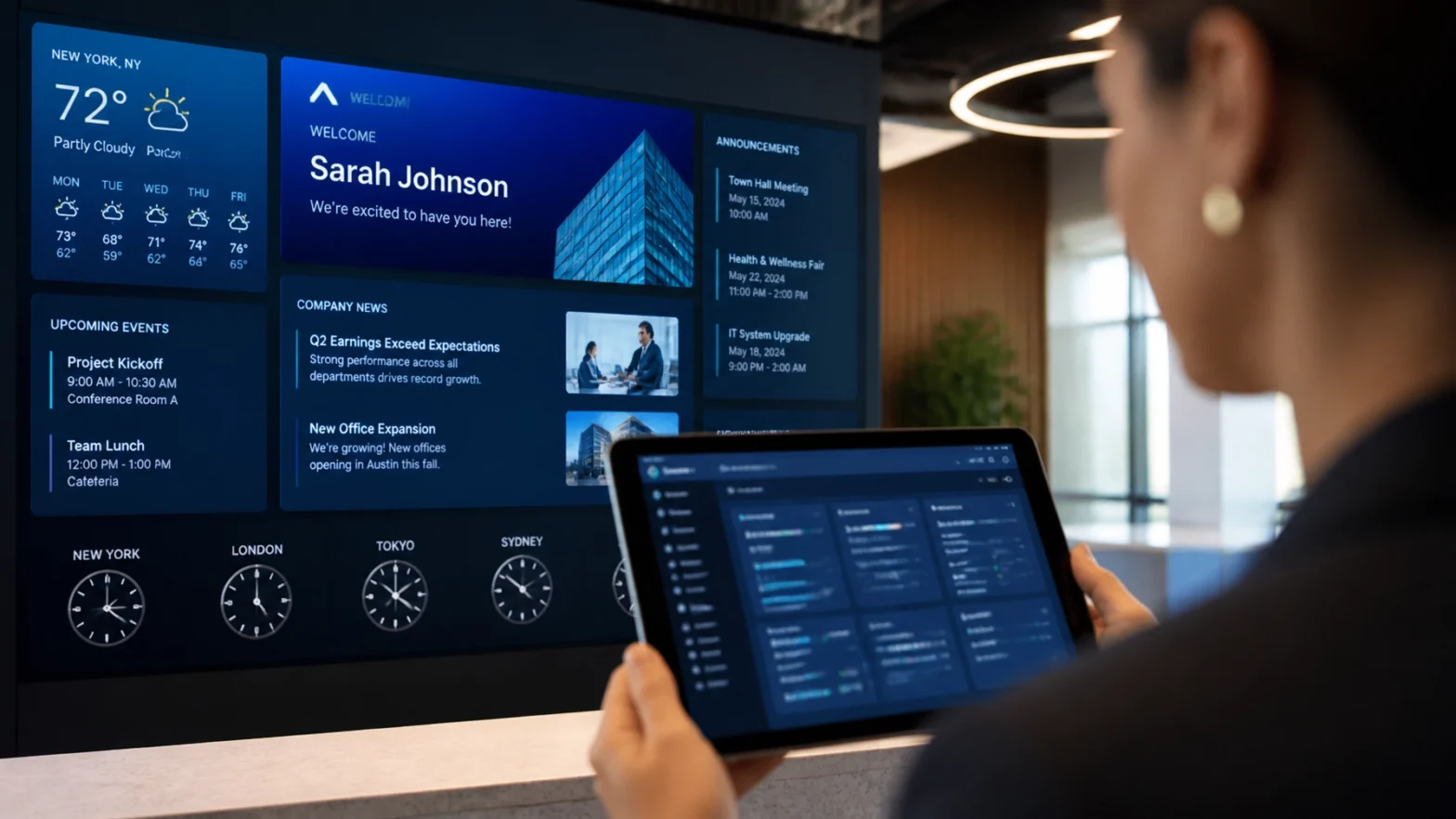
One of the biggest time-wasters is manually updating meeting room schedules or daily event lists. If your organization uses Microsoft Exchange, Office 365, or Google Calendar, you should never have to type a meeting name into your signage software again.
By wiring your screens directly into your calendar system, your digital signage internal communication becomes a real-time concierge.
- How it works: Your signage software pulls data from specific resource calendars.
- The Result: When a room is booked, the screen outside the door updates instantly. When a guest is scheduled for a lobby meeting, their "Welcome" message appears and disappears based on the calendar invite.
Keep it simple. If the data already exists in your calendar, don't re-type it. Let the API do the heavy lifting.
2. Use a "Broadcast" Media Folder for Instant Updates
Most people think they need to log into a complex dashboard every time they want to add a new photo or video to a screen. Here’s a better way: Point your signage CMS at a shared network directory or a cloud folder (like OneDrive or Dropbox).

When your marketing team drops a new approved asset into that specific folder, the digital signage solutions automatically detect the new file and add it to the rotation. No re-formatting, no re-uploading, and no manual scheduling per screen.
3. Drive KPIs and Stats from Spreadsheets
Whether you’re tracking safety days in a warehouse or sales targets in a corporate office, manual updates are the enemy of accuracy. Instead of creating a new slide every Monday, bind your screen layout to a live data table in Excel or Google Sheets.
- Safety Stats: Update a single cell in a spreadsheet, and every screen across all 50 states reflects the change instantly.
- Production Targets: Link your signage to your internal database to show real-time progress bars.
Seeing a theme? Automation is about creating the template once and letting the data provide the content. According to industry research on workplace productivity, real-time data visualization significantly increases employee engagement because the information is actually relevant to their current task.
4. Automate HR and Culture Content via CRM
Employee birthdays, work anniversaries, and new hire welcomes are essential for culture, but they are a nightmare to manage manually. If you have 500 employees, someone is having a birthday almost every day.
You can automate this by linking your signage to your HRIS or CRM.
- Step 1: Create a "template" slide with a placeholder for a name and photo.
- Step 2: Set a rule: "If today's date = Employee Birthday, show this slide."

This turns your digital signage internal communication into a hands-off culture-building machine. You "set it" once, and for the rest of the year, your team feels celebrated without you lifting a finger.
5. Leverage Curated Subscription Feeds
Not every piece of content on your screen needs to be produced by your team. In fact, it shouldn't be. To keep viewers engaged, you need "palate cleanser" content: things like news, weather, and health tips.
Professional digital signage solutions offer curated feeds that update automatically.
- National News: Real-time headlines from trusted sources.
- Local Weather: Current conditions and 5-day forecasts.
- Wellness Tips: Helpful reminders for hospital staff or corporate employees.
This fills the gaps between your internal announcements with high-quality, professional visuals that require zero maintenance.
6. Implement Location and Time-Based Rules
Don't get caught up in the "one size fits all" trap. You don't want your cafeteria menu showing up in the surgical suite, and you don't want morning announcements playing at 4:00 PM.
Smart automation allows you to set "Tagging" and "Metadata" rules:
- Morning Mode: From 7 AM to 9 AM, screens prioritize "Good Morning" messages and traffic updates.
- Location Awareness: Screens in the breakroom show "Employee of the Month" while screens in the lobby show "Brand Story" videos.
By setting these rules once, your network becomes intelligent. It knows where it is and what time it is, ensuring the right message reaches the right audience at the right time.
7. CRM-Integrated Donor Recognition
For our non-profit and healthcare clients, the digital donor recognition wall is often the most complex system to manage. In the old days, adding a new donor meant ordering a new brass plaque. Then it evolved into manual digital updates.
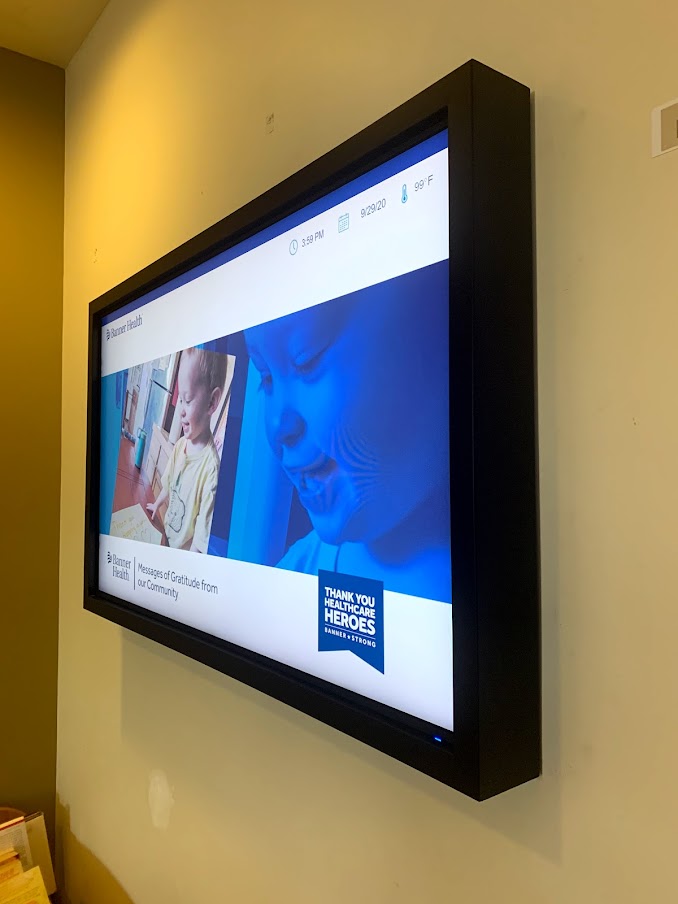
Now, we integrate these walls directly with your fundraising CRM (like Blackbaud or Salesforce).
- Real-Time Gratitude: As soon as a donation is processed, the donor's name can appear on the wall in a "Recent Gifts" section.
- Tiered Updates: If a donor moves from the "Gold" to "Platinum" level in your CRM, the digital wall updates their placement automatically.
This "set-it-and-forget-it" approach ensures your most important supporters are always recognized accurately and immediately.
Why Norvision for Your Automation Needs?
We don't just sell screens; we build integrated ecosystems. With over 20 years of experience, we’ve seen every "manual" mistake in the book. Our modular architecture is designed to integrate hardware, software, and creative elements into a single, automated stream.
Make sure to look for solutions that offer 24/7/365 monitoring and support to ensure those automated feeds never go dark.
Stop doing the busy work. Let’s automate your communication so you can focus on the big picture.
Ready to automate your facility?
From Digital SkyLites in medical centers to complex corporate campuses, we have the expertise to make your signage smart.
Contact Norvision Today to schedule a consultation and see how our AI and data-driven assessments can transform your space.