
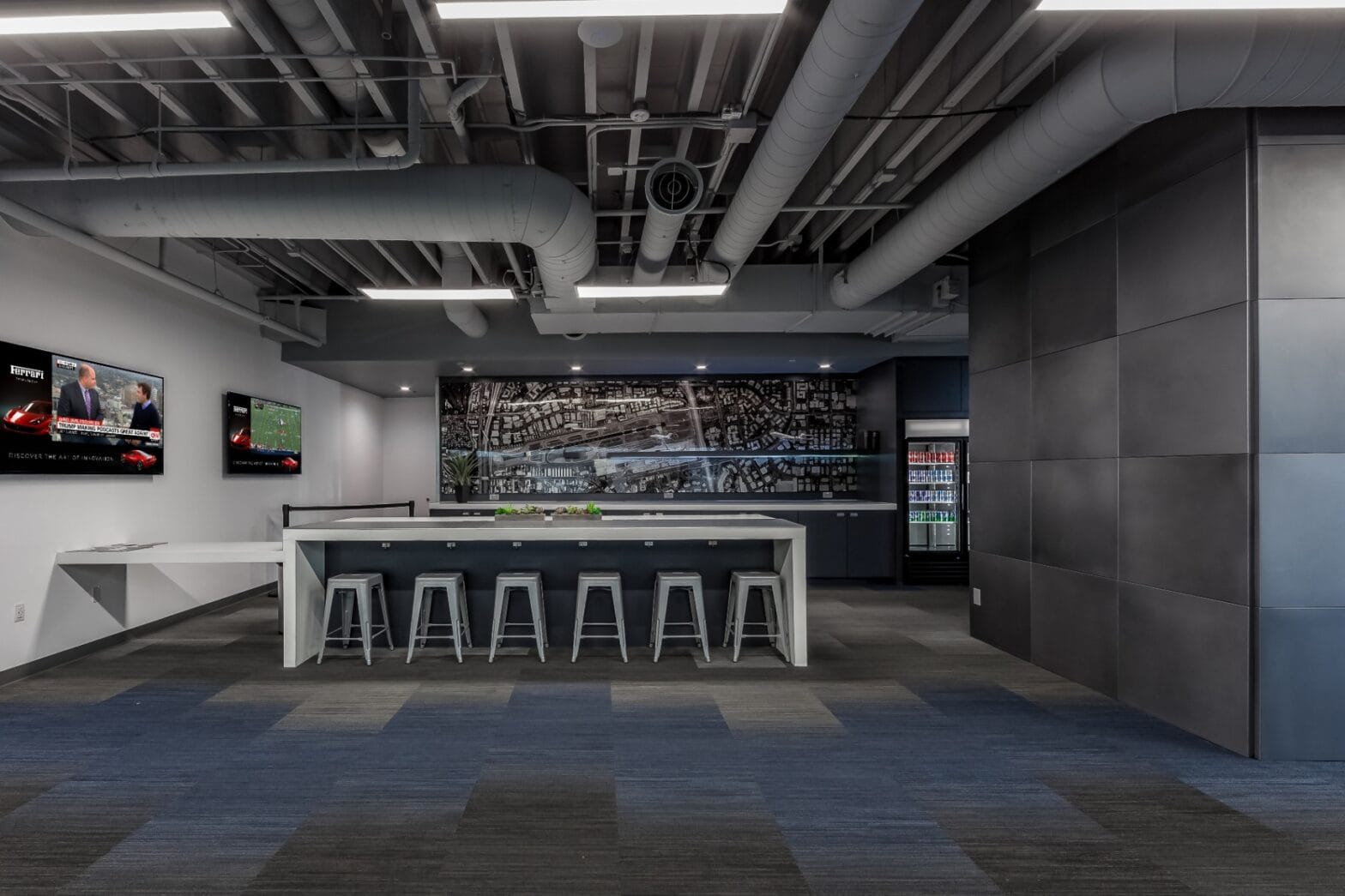
We’ve all seen it: a beautiful, high-definition screen in a corporate lobby or hospital hallway showing a "Happy Thanksgiving" slide: in the middle of February. It’s the "ghost town" effect of digital signage. When content is manual, it’s destined to become stale. And when content is stale, your audience stops looking.
If you are a facility manager, HR director, or internal communications lead, you know the struggle of keeping information fresh across multiple locations. You have enough on your plate without having to log into a CMS every Tuesday to upload a new JPG.
There is a simple trick to solve this, and it’s the secret behind the most effective communication networks in the world: Live Data Feeds.
By shifting from manual uploads to automated, API-driven content, you transform your screens from static posters into dynamic, real-time engines of engagement. At Norvision, we’ve spent over 20 years helping organizations move away from the "update chore" and toward a "set-it-and-forget-it" strategy that actually works.
What Are Live Data Feeds (and Why Should You Care)?
In the world of digital signage solutions, a live data feed is a connection between your display software and an external source of information. Instead of a person designing a slide, the screen "talks" to a database, a website, or a piece of software and pulls the information automatically.
This is often handled via APIs (Application Programming Interfaces) or RSS feeds. Think of it as a digital bridge. On one side, you have your data (like sales numbers, weather, or hospital wait times); on the other, you have your display. The bridge ensures that whenever the data changes at the source, it updates on the screen instantly.
Keep it simple. Seeing a theme? The less manual work you do, the more accurate your communication becomes.
1. Eliminate the "Stale Content" Syndrome
The biggest killer of internal communication is irrelevance. If an employee walks past a screen three days in a row and sees the same static message, they will subconsciously train their brain to ignore that screen forever.
Live data feeds ensure there is always something new to look at. Whether it’s a live news ticker, a rotating weather widget, or real-time KPI updates, movement and change attract the human eye. When your team knows the screens are "alive," they look at them.
2. Boost Employee Engagement with Real-Time KPIs
Transparency is a massive driver of morale. In corporate environments, showing live progress toward goals: whether that’s sales targets, production numbers, or project milestones: creates a shared sense of purpose.
Instead of waiting for a monthly PDF report that gets buried in an inbox, employees can see the "scoreboard" in real-time. This isn't just about pressure; it’s about celebration. Using live feeds to announce "Work Anniversaries" or "New Employee Welcome" messages pulled directly from your HR software ensures no one is forgotten.
3. Reduce Email Overload and "Inbox Fatigue"
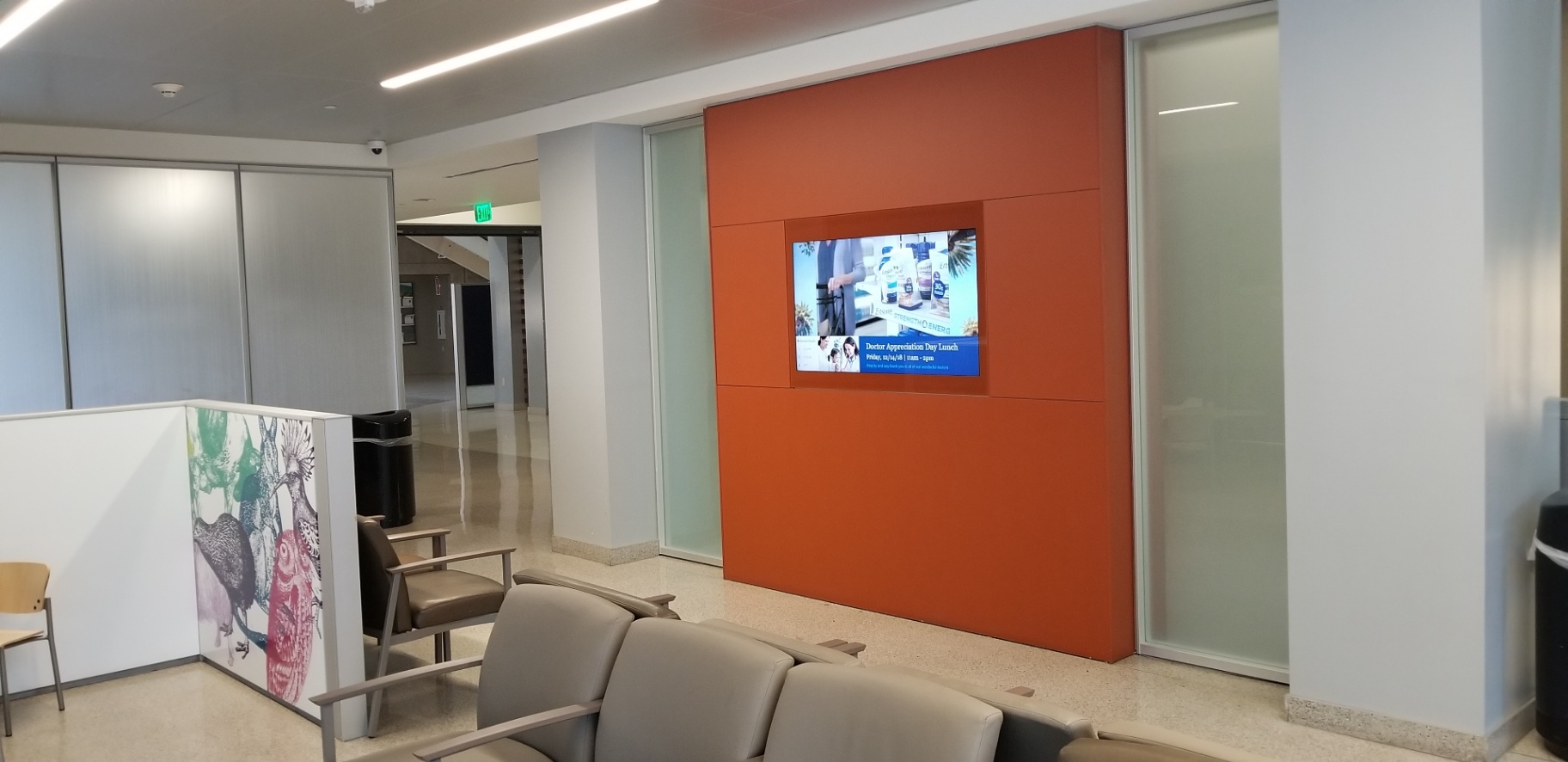
The average corporate employee is drowning in email. Important internal announcements often get lost in the noise. Digital signage internal communication acts as a secondary, high-visibility channel that bypasses the inbox.
By integrating your screens with tools like Slack, Microsoft Teams, or company calendars, you can broadcast urgent updates or daily schedules automatically. You aren't asking them to open another app; you are meeting them where they already are: in the hallways, the breakrooms, and the lobbies.
4. Establishing a "Source of Truth" in Healthcare
In hospital settings, communication isn't just about engagement; it’s about efficiency and safety. Live data feeds can be used to display:
- Emergency Alerts: Integration with building safety systems for instant, site-wide notifications.
- Wayfinding Updates: If a wing is closed for renovation, a live data feed can update digital wayfinding kiosks across the campus simultaneously.
- Patient Info & Wait Times: Keeping families informed in waiting areas reduces perceived wait times and lowers stress.
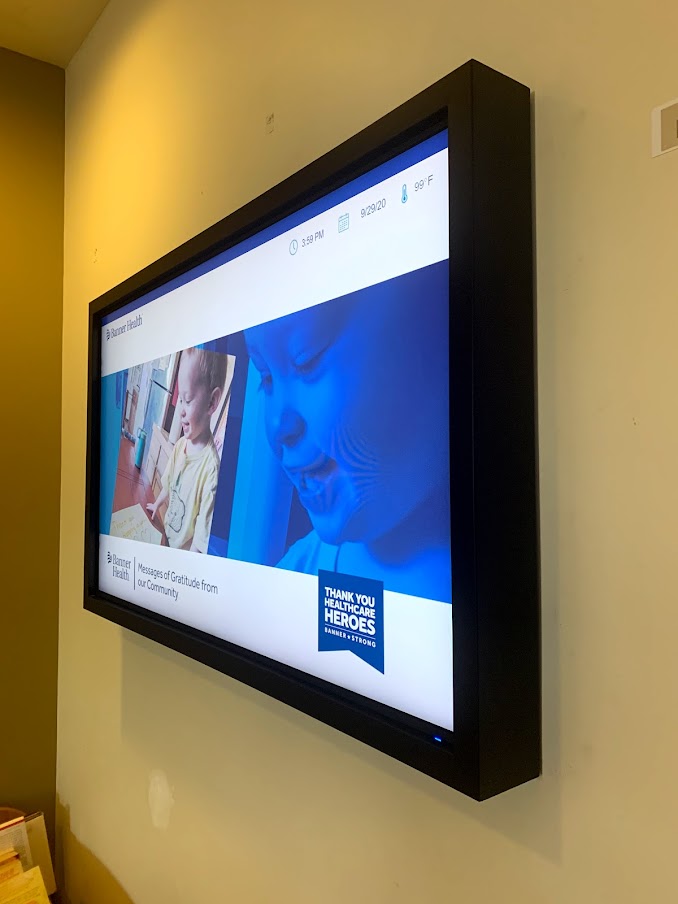
Our work with healthcare providers like Banner Health has shown that when you automate these updates, you free up staff to focus on patient care rather than administrative tasks.
5. The Power of Automated Recognition
We’ve written before about the real-world impact of interactive donor recognition walls. One of the most powerful uses of live data is in philanthropy.
By connecting your donor database (CRM) to a digital donor wall, you can acknowledge a gift the moment it’s processed. Imagine a donor walking into your lobby and seeing their name on the screen just hours after making a contribution. That level of responsiveness is impossible with traditional plaques, but effortless with an API integration.
How to Get Started: The "Set-It-and-Forget-It" Checklist
Don't get caught up in the technical weeds. Implementing live data feeds is more about strategy than coding. Here is how to approach it:
- Identify Your Data Sources: What do you already have? A company calendar? A Power BI dashboard? An HR portal like Workday?
- Pick "Low-Hanging Fruit": Start with weather, news, and time. These are standard "widgets" in most professional signage platforms and require zero custom development.
- Integrate Your CRM/Internal Tools: This is where the magic happens. Work with a partner like Norvision to create a secure bridge between your internal data and your screens.
- Define Your Layouts: Make sure the data is readable. A complex spreadsheet doesn't look good on a wall. Use clean, bold visuals that communicate the "headline" of the data.
- Set It and Forget It: Once the connection is live, your only job is to occasionally check that the data source itself is still accurate.
Common Mistakes to Avoid
- Data Overload: Just because you can show 50 different metrics doesn't mean you should. Keep it simple. One or two key data points per slide is the sweet spot.
- Ignoring Design: Raw data is ugly. Ensure your interactive displays use a template that wraps that live data in your brand’s colors, fonts, and imagery.
- Neglecting Security: When you connect internal systems to screens, security is paramount. Use a solution that offers enterprise-grade encryption and 24/7 monitoring.

The ROI of Doing Nothing
Wait, the ROI of doing nothing? Exactly. Think about the labor hours spent by your team manually creating, saving, and uploading slides every month. Across a year, that is hundreds of hours of productivity lost to a task that a simple API could do in milliseconds.
When you switch to live data feeds, you aren't just improving communication; you are buying back your team's time.
At Norvision, we specialize in these complex integrations. We don't just sell you a screen; we build the architecture that makes those screens intelligent. From digital skylites that simulate the outdoors to massive corporate communication networks, we understand that the best technology is the kind you don't have to think about.
Make sure to prioritize automation today. Your internal communication: and your sanity: will thank you.
Ready to automate your internal communication?
Let’s talk about how to connect your data to your displays.
Norvision | Interactive Digital Signage Experts
Contact Us Today | Call: (800) 345-1234